AI-Powered Planning and Design, for Better Project Delivery and Urban Developments
GET STARTED



PRODUCTS
Industries
Industries
© 2024 DigitalBlueFoam

3D building design software enables architects and planners to visualize, simulate, and validate projects before construction. This guide compares the top tools across planning, BIM, and visualization workflows. Learn why Digital Blue Foam (DBF) stands out for rapid feasibility studies, real-time iteration, and planning-focused 3D design.
Designing buildings today requires far more than drafting floor plans or producing static 3D visuals. Architects, planners, and developers are expected to evaluate feasibility, coordinate stakeholders, optimize space, and validate performance, all before construction begins.
As projects grow more complex, 3D building design software has evolved from a visualization aid into a critical decision-making tool.
From early-stage massing and site planning to detailed BIM coordination and high-quality rendering, different tools serve different phases of the building lifecycle.
Choosing the right 3D building design software can significantly reduce redesign cycles, improve collaboration, and support data-driven outcomes.
In this guide, we compare the top 10 3D building design software solutions used by professionals today. Starting with planning-focused platforms like Digital Blue Foam (DBF) and moving through leading BIM and visualization tools to help you select the right solution for your workflow.
3D building design software is nothing but a digital tool that is used to create a 3D representation of buildings, sites, and the environment. It helps architects and planners model geometry, test spatial relationships, and evaluate how a design will function in real-world conditions.
Depending on the use case, a building design software generally falls into three categories:
Most commercial projects rely on a combination of these tools rather than a single platform.
The application of 3D building modelling software gives numerous benefits to architects and other stakeholders across the design process:
For a large project, the above benefits can be translated into considerable savings in terms of cost and time.
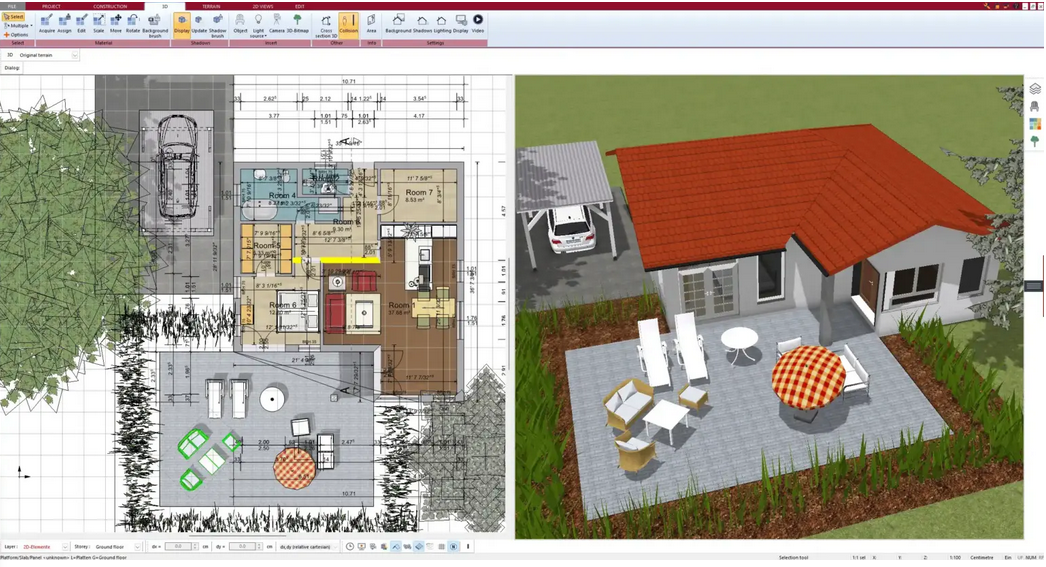
Selecting the right 3D building design software depends on your project stage, team skillset, level of detail required, collaboration needs, and budget. For commercial projects, decisions are especially critical because errors or inefficiencies early on can cascade into high costs during construction. Below is a detailed look at the top 10 tools and guidance on how they fit into different phases of design and planning.
Best For: Early-stage 3D building planning, feasibility, site-level layout decisions
Rating: ⭐⭐⭐⭐½
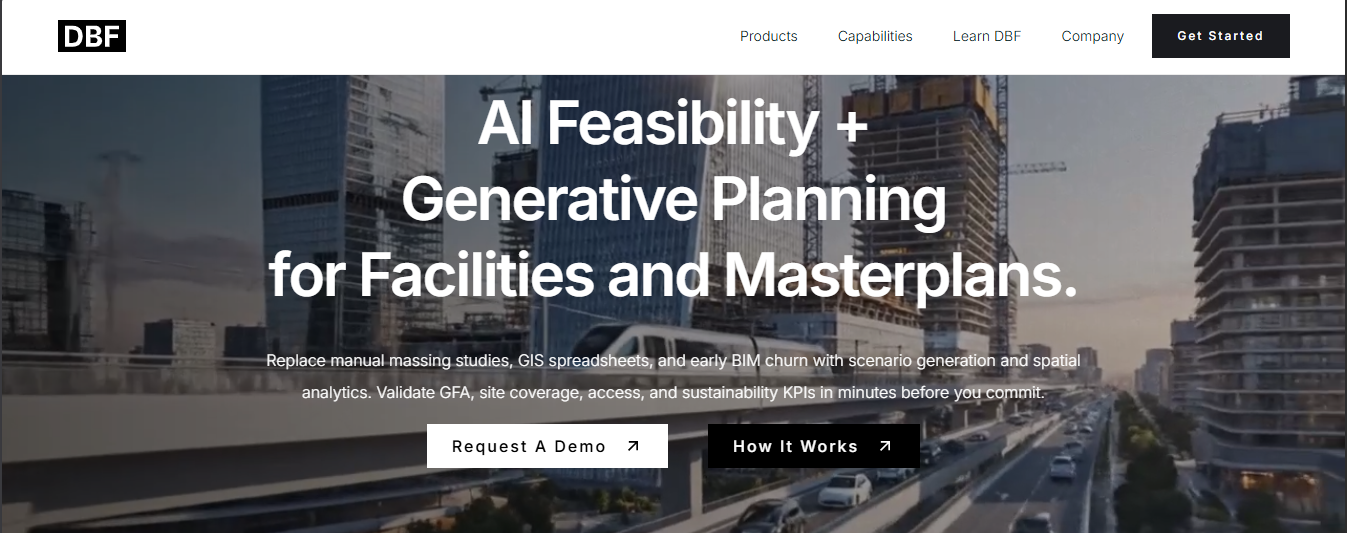
DBF excels where speed, clarity, and planning insight matter most. Particularly in commercial early design phases, feasibility studies, and multi-scenario comparisons before switching to BIM. Its real-time feedback cuts early-stage decision time significantly.
Pros
✔ Fast 3D layout planning
✔ No heavy setup required
✔ Great for cross-team collaboration
Cons
❌ Not designed for full BIM documentation
❌ Less detailed modeling than BIM-based packages
Best For: Full BIM workflows, large commercial projects
Rating: ⭐4.6/5
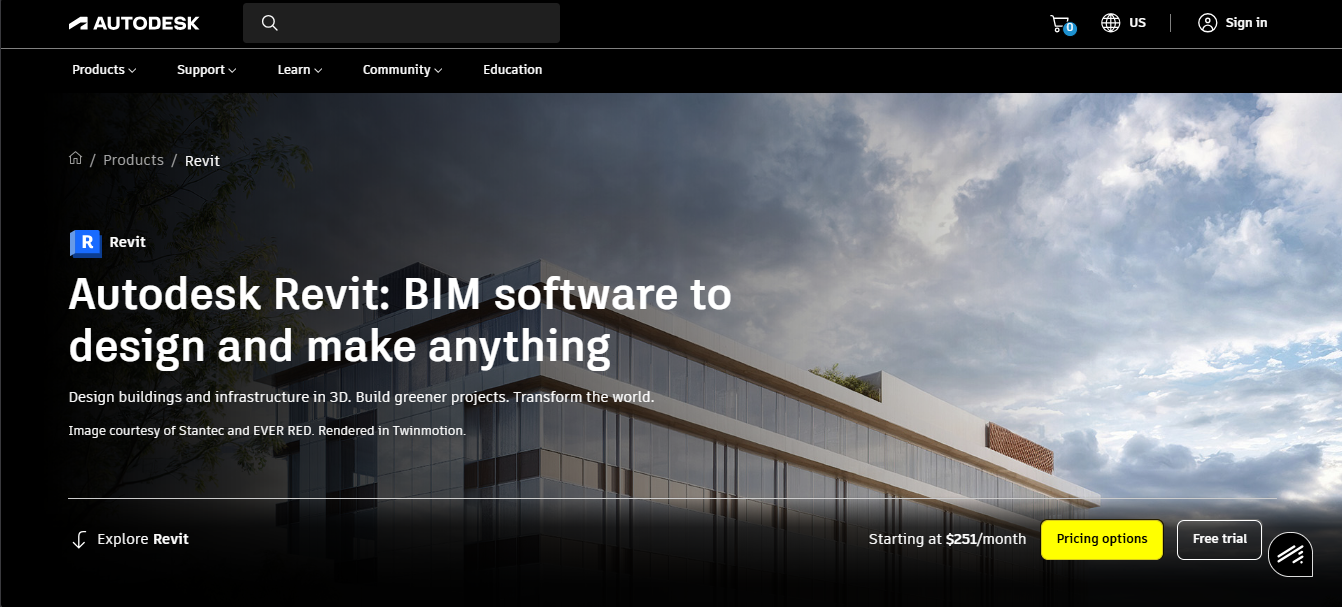
Revit is the backbone tool for most architecture and engineering firms due to its powerful BIM capabilities, large ecosystem, and robust multi-disciplinary collaboration support.
• Parametric BIM modeling
• Integrated documentation
• Cloud collaboration via BIM 360
Pros
✔ Industry-standard for commercial architecture
✔ Excellent coordination & clash detection
✔ Auto-updating drawings and schedules
Cons
❌ Steep learning curve
❌ Subscription cost can be high
Best For: Conceptual 3D design and quick visualization
Rating: ⭐4.5/5
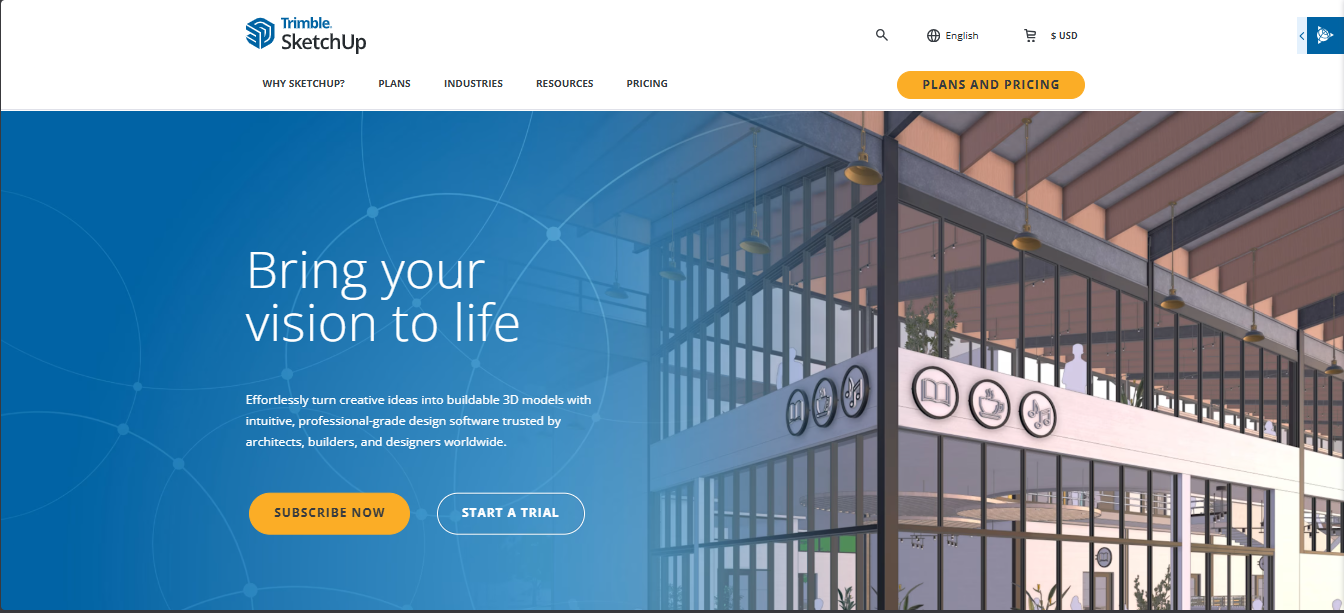
SketchUp is ideal for early-stage conceptual work or small-team studies, but often needs to feed into BIM software for construction detailing.
• Push/pull modeling interface
• Large 3D Warehouse model library
• Plugins for rendering & extensions
Pros
✔ Very intuitive for beginners
✔ Quick massing and idea exploration
✔ Free tier available
Cons
❌ Weak native BIM capabilities
❌ Less suited for detailed documentation
Best For: BIM-driven design for architects
Rating: ⭐4.6/5
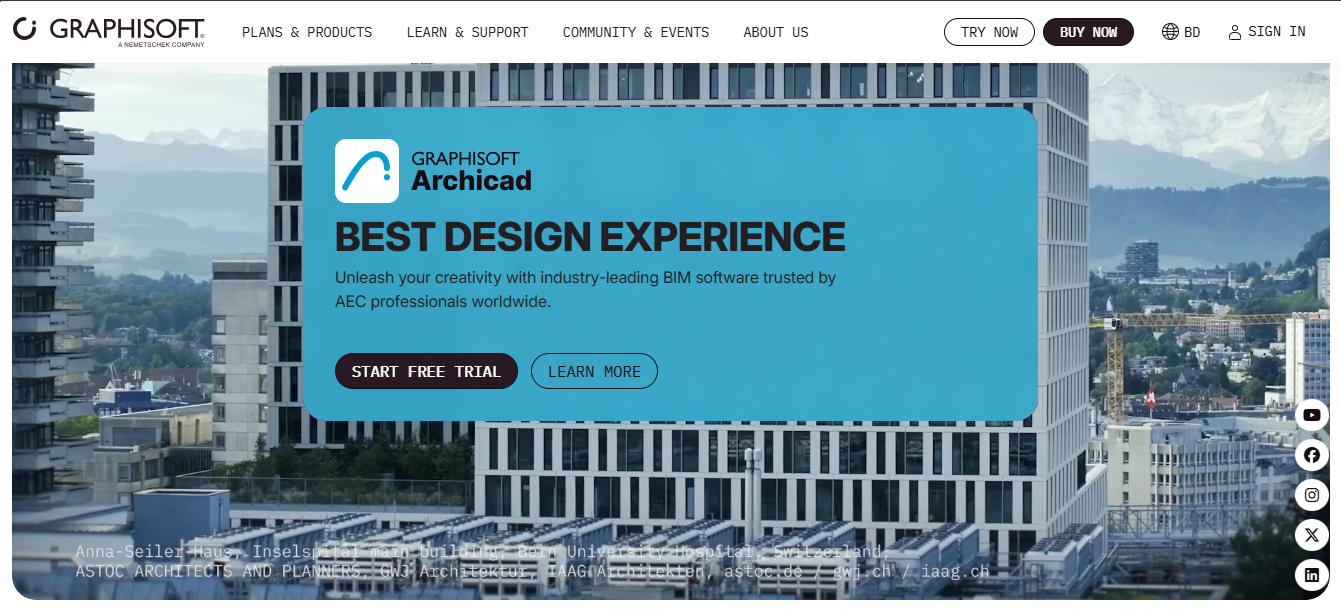
ArchiCAD strikes a balanced BIM environment that’s often preferred by design-led architecture firms.
• Built-in BIM collaboration
• Integrated 3D modeling + documentation
• Strong visualization tools
Pros
✔ Clean and design-friendly BIM
✔ Real-time teamwork via BIMcloud
✔ Less intimidating than some BIM tools
Cons
❌ Smaller plugin ecosystem than Revit
❌ Limited U.S. penetration compared to Revit
Best For: Complex geometries, parametric design
Rating: ⭐4.5/5
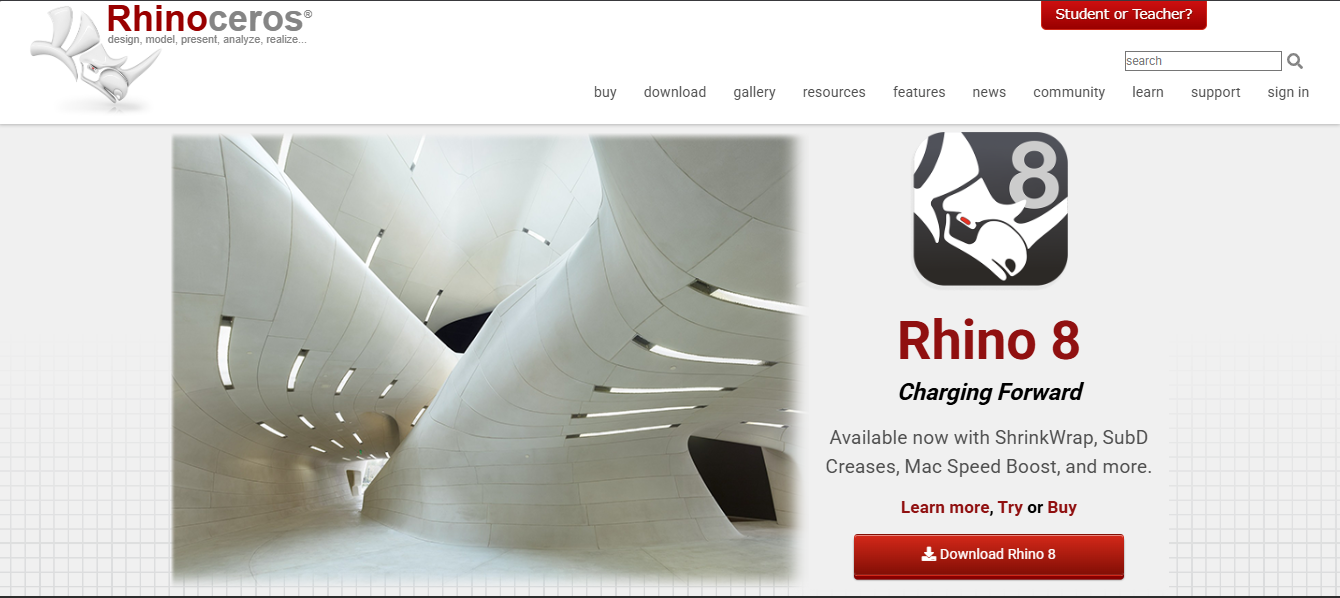
Rhino is often used for conceptual and advanced form exploration before handing models off to BIM software.
• NURBS modeling for precision curves
• Grasshopper visual scripting for parametrics
• Extended plugin ecosystem
Pros
✔ Powerful for freeform and sculptural designs
✔ Grasshopper opens algorithmic design
✔ One-time license available
Cons
❌ Not a full architectural BIM tool
❌ Steeper learning curve
Best For: Drafting and detailed 2D work with some 3D basics
Rating: ⭐4.5/5
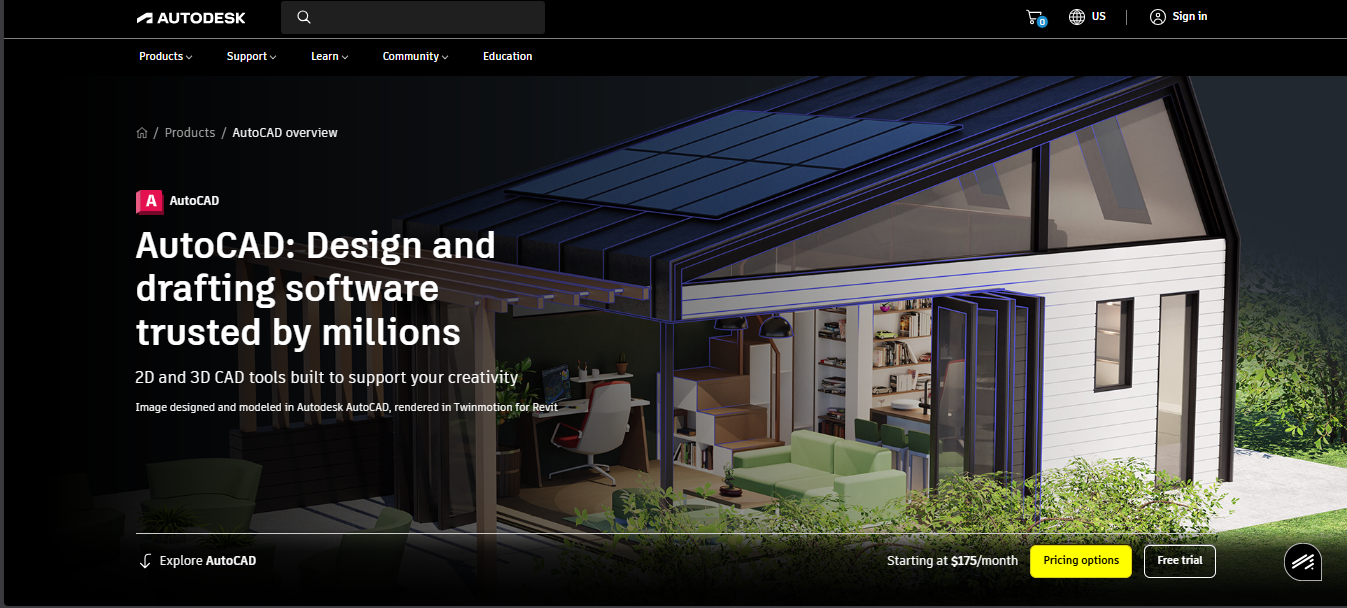
AutoCAD remains ubiquitous for documentation and 2D drafting, but is less effective as a dedicated 3D building tool.
• Precise CAD drafting
• DWG compatibility
• Strong annotation tools
Pros
✔ Universal interoperability
✔ Excellent drafting accuracy
Cons
❌ Not optimized for modern 3D architectural modeling
❌ Doesn’t handle BIM workflows well
Best For: Visualization & rendering
Rating: ⭐4.7/5
Blender is best paired with modeling/BIM tools for final visuals and animations.
• Cycles and Eevee rendering engines
• Animation support
• Completely free and open-source
Pros
✔ No cost
✔ Excellent for photoreal visuals
✔ Great community plugins
Cons
❌ Not architecture-specific
❌ Not suitable for documentation
Best For: Residential & small commercial projects
Rating: ⭐4.5/5
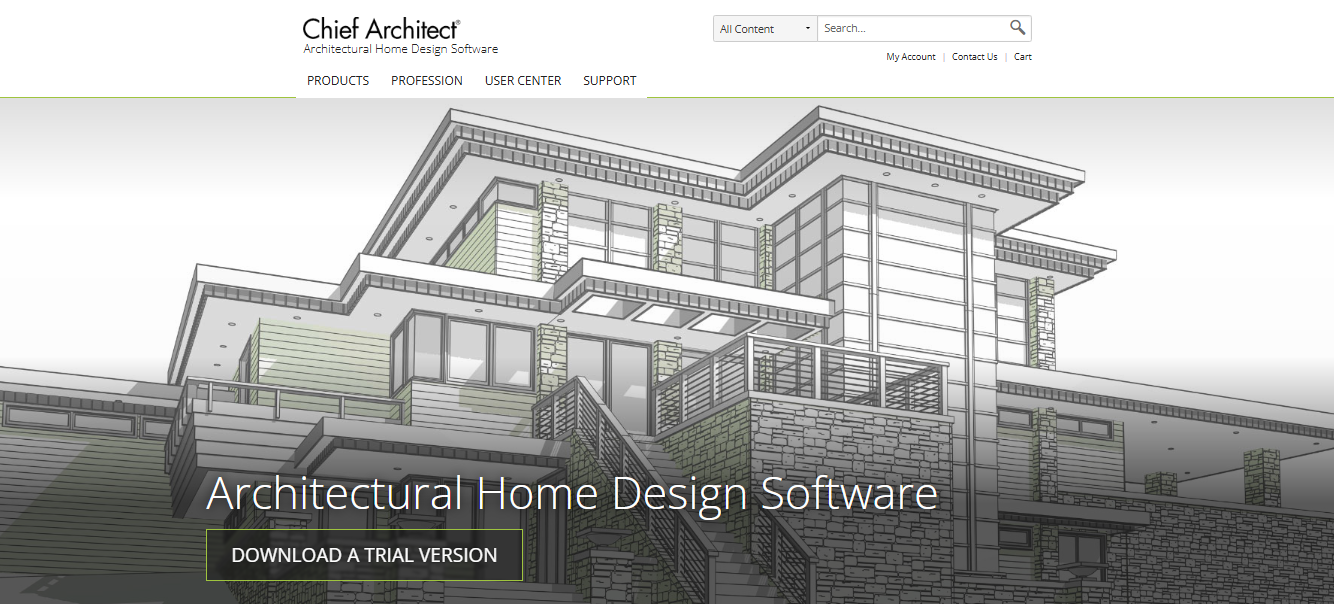
Chief Architect is strong for smaller scope projects but not ideal for complex commercial BIM.
Standout Features
• Automated home design tools
• Real-time building edits
• Quick drafting
Pros
✔ Easy to use
✔ Automated objects
✔ Good for small-scale projects
Cons
❌ Limited scalability for large commercial work
Best For: Real-time 3D visualization
Rating: ⭐4.6/5
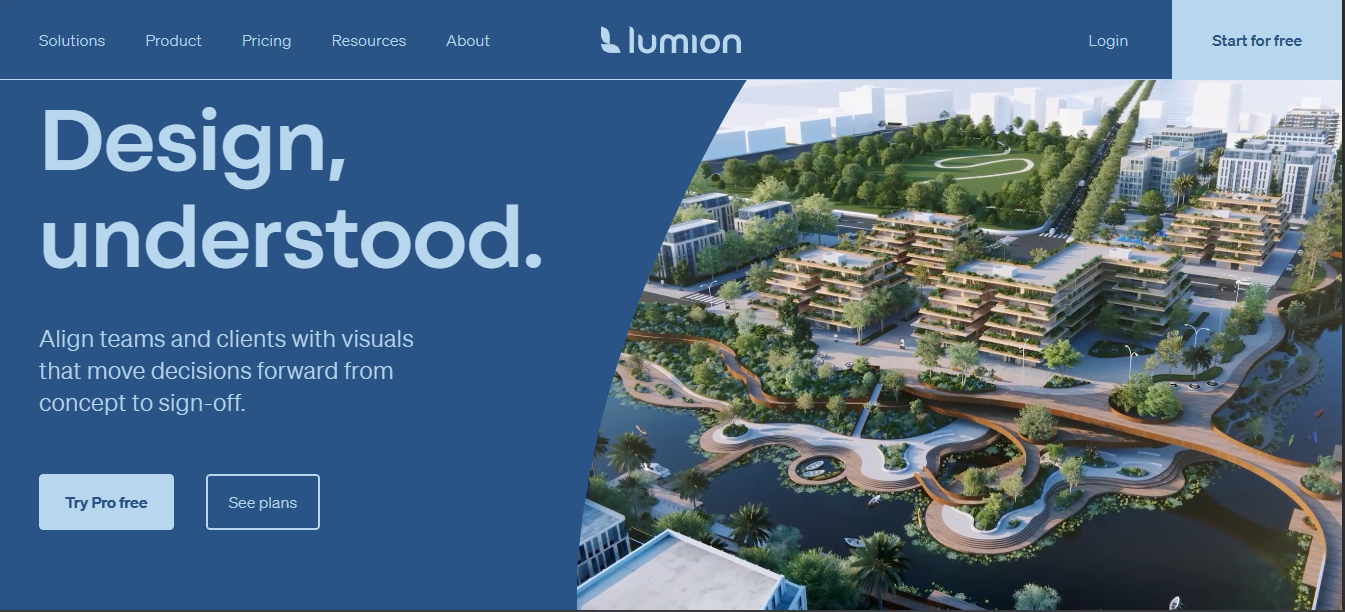
Lumion excels when you need high-quality visual communications at speed.
Standout Features
• Real-time rendering
• High-quality environment libraries
• Easy-to-produce visuals
Pros
✔ Stunning renders
✔ Fast performance
Cons
❌ Needs external modeling tool
Best For: Cloud-based conceptual massing
Rating: ⭐4.3/5
FormIt supports quick concept design, especially in cloud-native teams.
Standout Features
• Cloud workflows
• Early-stage massing & site studies
• Direct Revit export links
Pros
✔ Lightweight and cloud-friendly
✔ Early concept focus
Cons
❌ Not advanced for documentation or complex design
Early Stage (Planning + Feasibility):
Pick DBF, SketchUp, or FormIt for rapid concept exploration and testing site constraints.
Detailed BIM and Documentation:
Use Revit or ArchiCAD to produce coordinated models, construction documentation, and multi-disciplinary BIM workflows.
Advanced Design & Parametrics:
Choose Rhino + Grasshopper for complex geometry and algorithmic design.
Visualization & Presentation:
Render with Blender or Lumion after modeling is complete.
DBF simplifies 3D building modelling into a few intuitive steps.
Step 1: Define site boundaries and limitations
Step 2: Adding the building footprints and massing blocks
Step 3: Test access, circulation and spacing
Step 4: Iterate in real-time
Step 5: Share and review with stakeholders
This enables a rapid transition from concept to validated designs without any complex modelling exercises on the part of the planners.
DBF is purpose-built for planning-first 3D building design, making it ideal for:
Contrary to the classic BIM application/modelling software, DBF emphasizes speed, clarity, and constrained planning.
3D building design software has become foundational to modern architecture and urban development workflows. However, the most effective teams no longer rely on a single tool. They deploy the right platform at the right stage, from early feasibility to detailed BIM coordination and high-end visualization.
For early-stage planning, speed and clarity matter most. This is where Digital Blue Foam (DBF) delivers a clear advantage. By enabling rapid massing, constraint-aware layout testing, and real-time iteration, DBF helps planners validate ideas before investing time and resources into heavy BIM environments.
When integrated into a broader design stack, DBF empowers teams to reduce uncertainty, accelerate decision-making, and move from concept to coordinated design with greater confidence and efficiency.